SANDB0X
SANDB0X
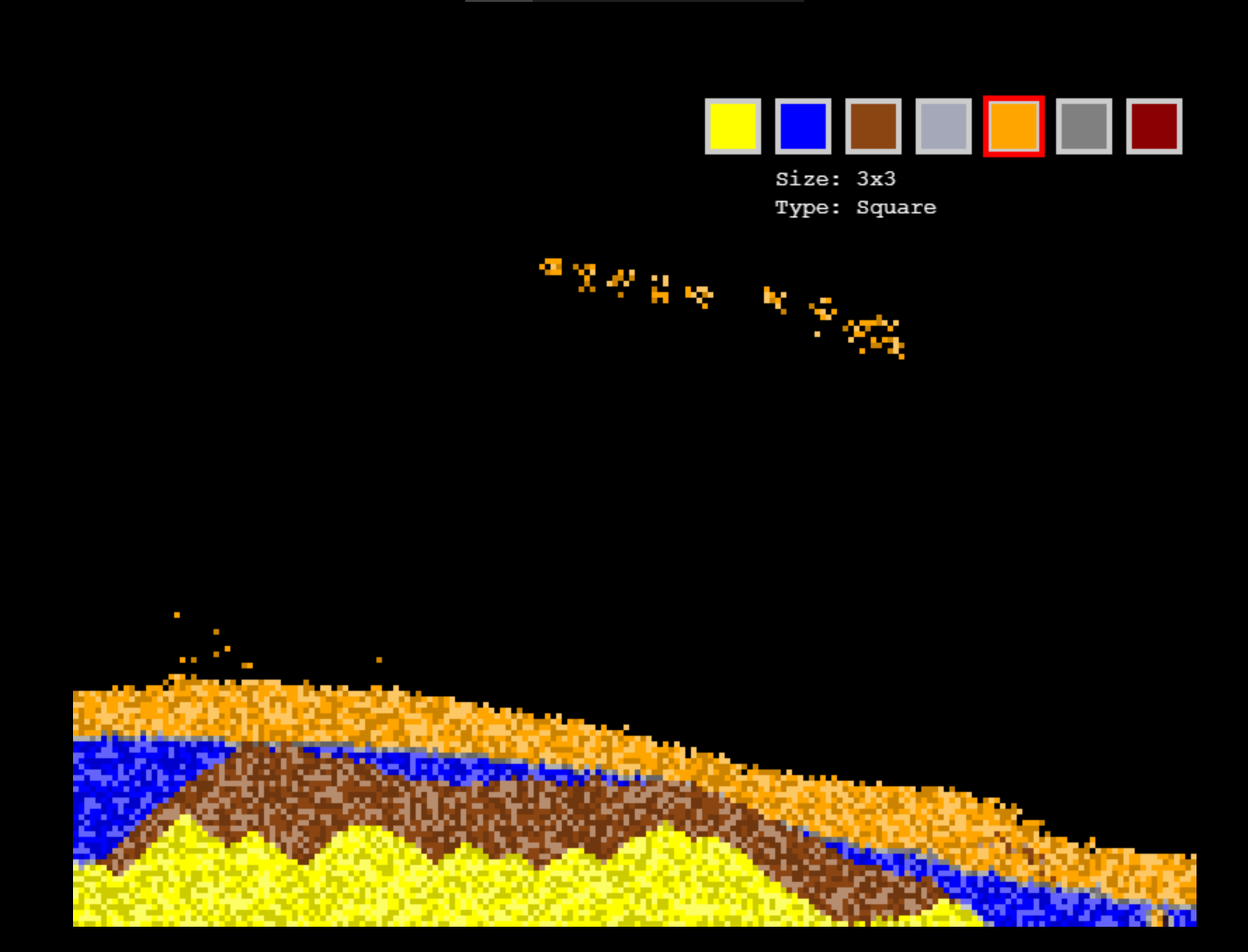
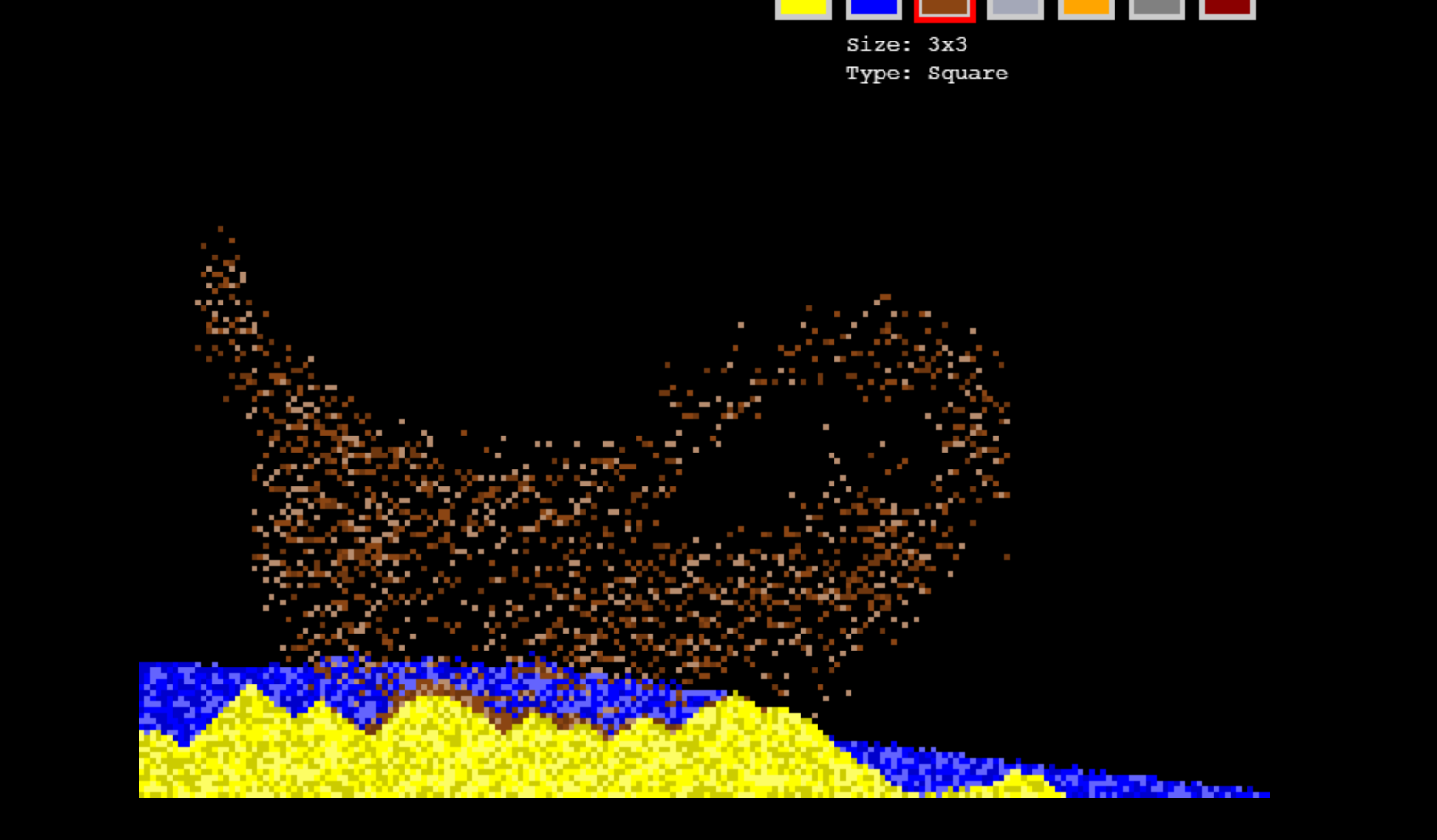
SANDB0X is a captivating particle simulator that lets you craft dynamic worlds with a few clicks. Paint with elemental materials—sand, water, dirt, clay, lava, stone, and magma—and watch them interact through realistic physics and mesmerizing transformations. Sand turns to clay when soaked, lava meets water to form obsidian, and magma summons fiery lava in a 2x2 grid. Unleash your creativity in this sandbox where every interaction sparks new possibilities.
Gameplay
- Create and Experiment: Use a hotbar (keys 1-7) to select materials and paint on an 800x600 canvas (200x150 grid, 4x4 pixel cells).
- Dynamic Physics: Materials follow gravity (optional), flow, and transform:
- Sand near water becomes clay after a delay.
- Clay near water turns to dirt.
- Lava touching water forms obsidian; water near lava becomes stone.
- Magma converts nearby materials to more magma every 60 seconds and summons lava in a 2x2 grid every 20 seconds.
- Customizable Brushes: Access the pause menu (ESC) to choose brush sizes (1x1, 3x3, 5x5) and types (Pixel, Square, Circle) for precise or broad strokes.
- Left-click to place materials; right-click to erase (single-pixel for precision).
- HUD: Displays current brush size and type in the top-right corner, below the hotbar.
- Accessibility Options: Toggle gravity, magma glow, or particle shades for a customized experience.
- Save/Load: Save your creations to browser storage (
localStorage) and load them anytime via the pause menu.
Controls
- 1-7: Select materials (Sand, Water, Dirt, Clay, Lava, Stone, Magma).
- Left-click: Place material with the selected brush.
- Right-click: Erase (single pixel).
- ESC: Open pause menu (Resume, Options, Brush Settings, Save, Load).
Features
- Intuitive Interface: Hotbar for quick material selection, HUD for brush info, and a clean pause menu.
- Visual Effects: Magma glows with a pulsing effect (toggleable), and particle shades add depth (toggleable).
- Persistent Progress: Save/load ensures you can revisit your creations.
- Creative Freedom: Build landscapes, simulate physics, or create chaotic elemental reactions.
Technical Details
- Platform: Web (HTML5, Phaser 3.55.2).
- Canvas Size: 800x600 pixels.
- Requirements: Modern browser (Chrome, Firefox recommended) with WebGL enabled.
Why Play SANDB0X?
Whether you’re a physics enthusiast or a creative builder, SANDB0X offers endless experimentation. Craft serene landscapes, trigger explosive reactions, or test the limits of elemental interactions. Perfect for quick play sessions or deep creative dives.
Feedback
Love SANDB0X? Found a bug? Share your thoughts on itch.io or contact the developer. Your feedback fuels future updates!
Built with Phaser. Best experienced in Chrome or Firefox with WebGL enabled.
Download
Install instructions
SANDB0X Installation Guide
Thank you for downloading SANDB0X! Follow these steps to run the game locally on your computer.
Requirements
- A modern web browser (e.g., Chrome, Firefox, Edge) with WebGL enabled.
- A local web server (optional, but recommended for best performance).
Installation Steps
- Download and Extract:
- Download the
SANDB0X.zipfile from itch.io. - Extract the zip file to a folder on your computer. You should see:
index.htmlgame.jssaveLoad.js
- Download the
- Running the Game:
- Option 1: Simple (Browser):
- Open
index.htmlin a modern web browser by double-clicking it or dragging it into the browser. - Note: Some browsers may restrict
localStorageor WebGL when opening files directly (file://). For best results, use Option 2.
- Open
- Option 2: Local Web Server (Recommended):
- Install a simple web server, such as:
- Python: Comes with most systems.
- Navigate to the extracted folder in a terminal/command prompt.
- Run:
python -m http.server 8000(Python 3) orpython -m SimpleHTTPServer 8000(Python 2).
- Node.js: Install
http-servervianpm install -g http-server, then runhttp-serverin the folder.
- Python: Comes with most systems.
- Open your browser and go to
http://localhost:8000.
- Install a simple web server, such as:
- The game should load with a centered 800x600 canvas.
- Option 1: Simple (Browser):
- Playing the Game:
- Controls:
- 1-7: Select materials (Sand, Water, Dirt, Clay, Lava, Stone, Magma).
- Left-click: Place material with selected brush.
- Right-click: Erase (single pixel).
- ESC: Open pause menu (Resume, Options, Brush Settings, Save, Load).
- Brush Settings (via pause menu):
- Choose brush size (1x1, 3x3, 5x5) and type (Pixel, Square, Circle).
- Save/Load: Save your progress to
localStorageor load a previous state via the pause menu. - Check the HUD (top-right) for current brush size and type.
- Controls:
- Troubleshooting:
- Black Screen: Ensure WebGL is enabled (check browser settings). Try a different browser or use a local web server.
- Game Not Centered: Verify browser zoom is 100%. Check for conflicting browser extensions.
- Save/Load Issues: If saving/loading fails, clear browser
localStorage(via developer tools: F12 > Application > Local Storage) and try again. - Console Errors: Press F12 to open the browser console and check for errors like "Phaser initialization failed" or "Failed to load game". Share these with the developer if needed.
Enjoy creating and experimenting in SANDB0X! For issues, contact the developer via itch.io or check the game page for updates.
Leave a comment
Log in with itch.io to leave a comment.